
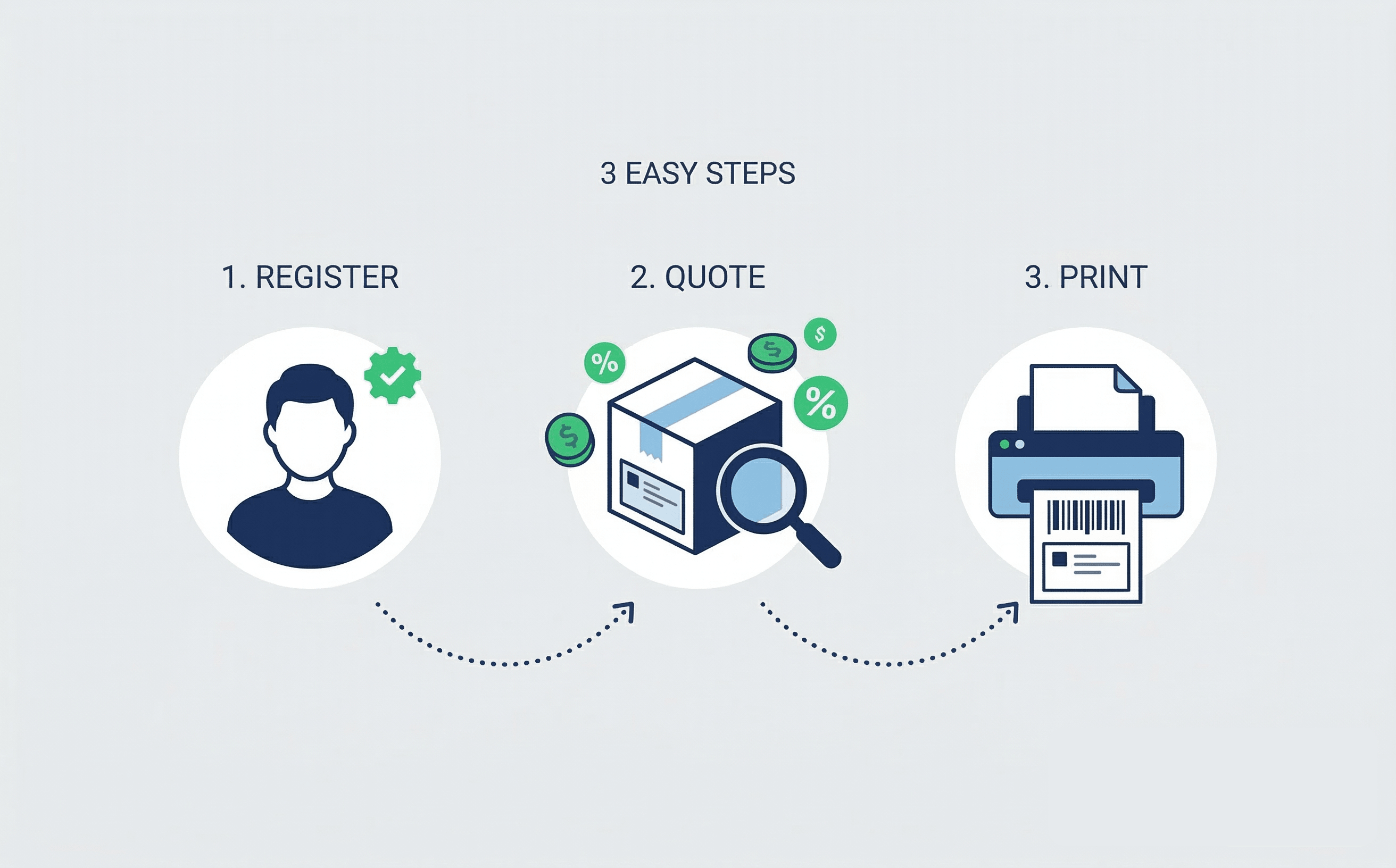
Step-by-Step Guide: How to Get and Print Your First Discounted Label on Featship in 3 Steps
 2026-03-17 03:10:142 min read
Welcome to Featship! If you are reading this, you are likely an e-commerce seller, a dedicated personal shopper, or a small business owner who is tired of watching their profits shrink every time they visit the post office counter. You know that Featship can save you up to 90% on shipping, but you might be worried that using new logistics software is complicated.
It isn’t. We’ve designed Featship to be as intuitive as possible. We’ve boiled the entire process down to three incredibly straightforward steps.
This guide will transform you from a retail-price payer to a commercial-rate pro in minutes.
Step 1: Register Your Free Account
Before you can access our exclusive commercial rates, we need to set up your dashboard. The best part? Registration is fast, free, and carries zero monthly fees or minimum volume requirements.
- Visit Featship: Go to featship.com and click the "Sign Up" button.
- Basic Info: Enter your name, email address, and a secure password. Check your inbox for a verification email to activate your account.
- Pro Tip: Once logged in, go to your "Address Book" and save your "Ship From" (Sender) address. This will save you from re-typing it for every shipment.
Step 2: Get a Quote and Compare Rates
This is where you see the savings in real-time. Just tell us where the package is going and how big it is.
- New Shipment: Click "Create Shipment" on your dashboard.
- Addresses: Enter the recipient's details. Our system will automatically validate the address format to ensure deliverability.
- Package Details:Weight: Use an accurate scale. (Lbs/Oz for USPS; Kg for Canada/Australia Post).Dimensions: Measure the Length, Width, and Height. Precise measurements help you avoid "adjustment fees" from carriers later.
- Click "Get Quote": Our system instantly queries our discounted databases. You will see a list of services (Standard, Expedited, Priority) alongside the Featship Discounted Price. Compare this to the retail price and see how much you’re saving!
Step 3: Secure Payment and Download Your Label
You’ve found the best rate—now it’s time to make it official.
- Select Your Service: Click on the carrier and speed that fits your needs.
- Pay Online: Complete your payment via credit card, PayPal, or your platform balance. Our checkout is encrypted and secure.
- Generate Label: Once paid, the system communicates with the carrier to generate your unique tracking number and official label.
- Download PDF: Click "Download Label." You now have a professional, carrier-approved shipping label ready for your package.
Post-Label: Printing and Drop-off
- Printing: Use a standard home printer or a thermal label printer (like Rollo or Dymo). If using a home printer, simply tape the label to the box, ensuring the barcode is not covered by reflective tape.
- Drop-off: You don’t need to wait in line!USPS: Drop in a blue box or leave it at the counter.Canada Post / Australia Post: Drop in a street-side posting box or hand it over at any post office outlet.
That’s it! Your first label is the hardest because it's new. From now on, you can generate labels in under two minutes.